Comparison and import guide · Updated September 24, 2026 · 2 min read
Reedr and Goodreads: choosing your next reading app.
Goodreads offers community reviews, friends' reading activity, shelves and personalised recommendations. Reedr offers mood discovery and mixing qualities from two favourite books, alongside shelves, reading progress and private notes. The useful choice is which helps you find and keep the books you want to read.
Which experience are you looking for?
| What matters to you | Goodreads | Reedr |
|---|---|---|
| Finding the next book | Personalised recommendations and community reviews. | Describe a mood or combine qualities from two books, with explanations to explore. |
| Following other readers | See friends' books and reviews. | Follow readers and join read-alongs; keep personal shelves private until you choose to share. |
| Keeping your reading | Read, currently-reading and to-read shelves. | Shelves, progress and private notes, with a choice of shelf worlds. |
Goodreads' own product overview describes its features. You can keep both accounts while you decide.
Start with your Goodreads export
While signed in to Goodreads, open its Import and Export page and request your library export. Download the CSV when it is ready. Availability and completion time depend on Goodreads.
Review the import before adding books
In Reedr, open Settings, then Import. Choose one destination shelf, upload a CSV of up to 10 MB and review the matches. Confirm uncertain editions, choose an alternative, add a book manually or skip the row. Then confirm the import.
Keep your original export. The report distinguishes added, merged, skipped and failed rows. Existing values are kept when merging a duplicate; the import fills supported blank details. Importing does not delete your account at the original service.
What transfers, and what does not?
Reedr reads book titles, authors and available ISBNs, ratings, reading status, a supplied finish date and review text as a private note. Matching depends on the export and the catalogue edition.
Custom Goodreads shelf names are not recreated as separate Reedr shelves: you choose one destination per import. Multiple reading dates, friends, comments, likes, Kindle highlights and community history are not part of this transfer. Check the report and a few familiar books instead of assuming the entire account has moved.
Try discovery before moving your library
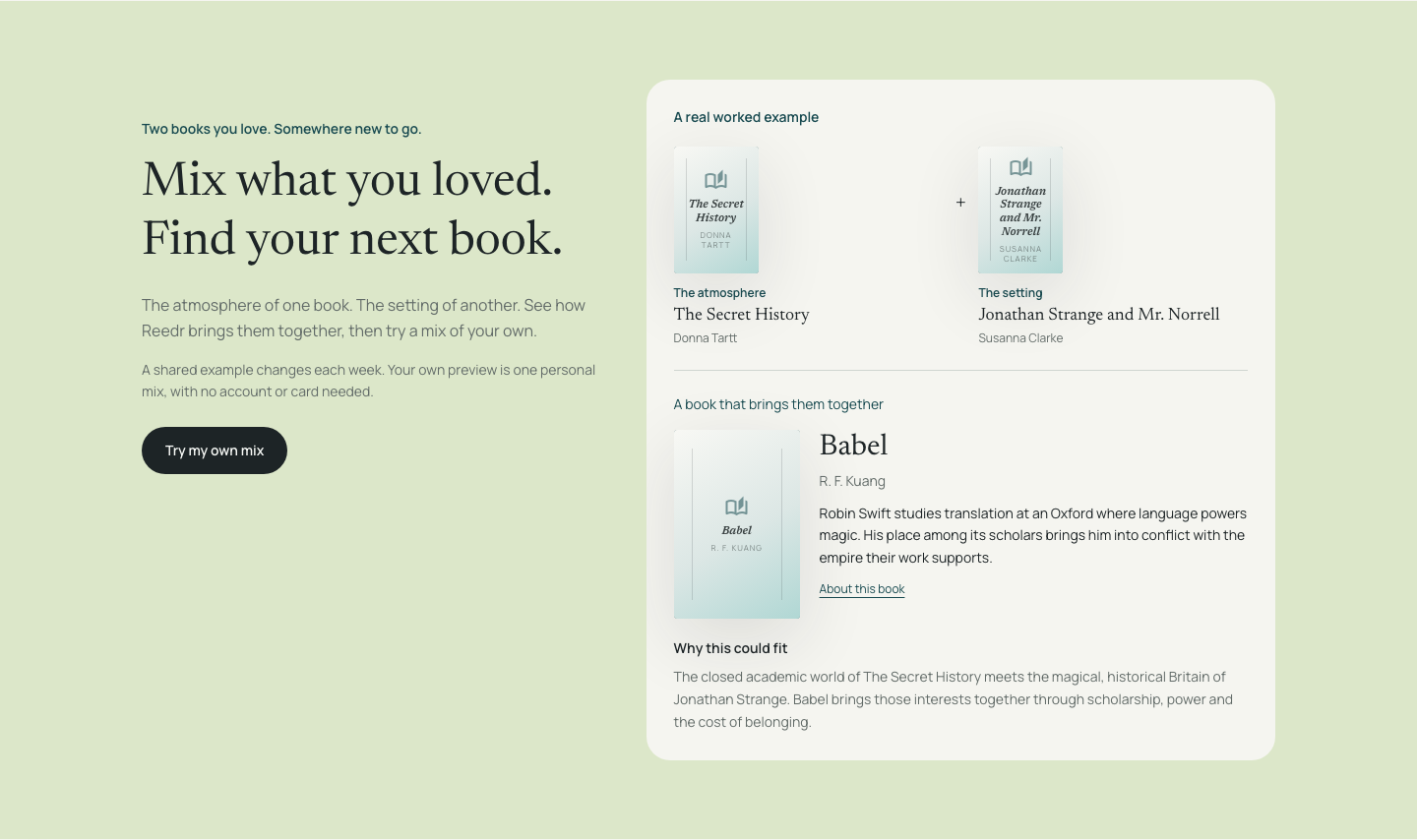
Mix qualities from two books you love, or learn how to find a book by mood. The personal mixing preview needs no account or card. A free Reedr account includes 25 discovery uses per calendar month, unlimited books, imports and private notes. Compare the current plans.
Product details reviewed on 24 September 2026 by Reedr. This comparison is written by the maker of Reedr.