Comparison and import guide · Updated September 24, 2026 · 2 min read
Reedr and Fable: comparing discovery and bringing your books.
Fable centres its app on a community of readers, book clubs, lists and reading activity. Reedr brings together book discovery, personal shelves and private reading notes, with a preview that mixes qualities from two favourite books. Both offer ways to read alongside other people.
Compare the parts you will use
| What matters to you | Fable | Reedr |
|---|---|---|
| Community | Clubs, reader posts and spoiler-free discussion rooms. | Read-alongs, followed readers and shelves you choose to share. |
| Keeping a reading record | Lists, goals, streaks and reader summaries. | Shelves, progress and private notes. |
| A discovery starting point | Explore books and recommendations through its community. | Describe a mood or combine qualities from two books. |
The Fable column is based on its current public product page. Keep the app where your club meets while trying Reedr's personal discovery.
Begin with a file you already have
Reedr does not sign in to Fable or extract your account. If you already have a CSV containing your books, use the Fable CSV guide. For current ways to obtain your data, ask Fable through Help & Support on its website. We have not verified a universal Fable export procedure and do not require a third-party browser extension.
Review the import before adding books
In Reedr, open Settings, then Import. Choose one destination shelf, upload a CSV of up to 10 MB and review the matches. Confirm uncertain editions, choose an alternative, add a book manually or skip the row. Then confirm the import.
Keep your original export. The report distinguishes added, merged, skipped and failed rows. Existing values are kept when merging a duplicate; the import fills supported blank details. Importing does not delete your account at the original service.
What a CSV can bring across
A recognised Goodreads-style file uses that parser. For another layout, map the available title, author, ISBN, status, rating and date columns before importing. Results depend on what the file actually contains; missing information cannot be recovered from the CSV.
This does not transfer your club membership, discussions, followers, streak history or purchased ebooks. A book list is not a copy of the books themselves. Your existing Fable account and purchases remain with Fable.
Try discovery before moving your library
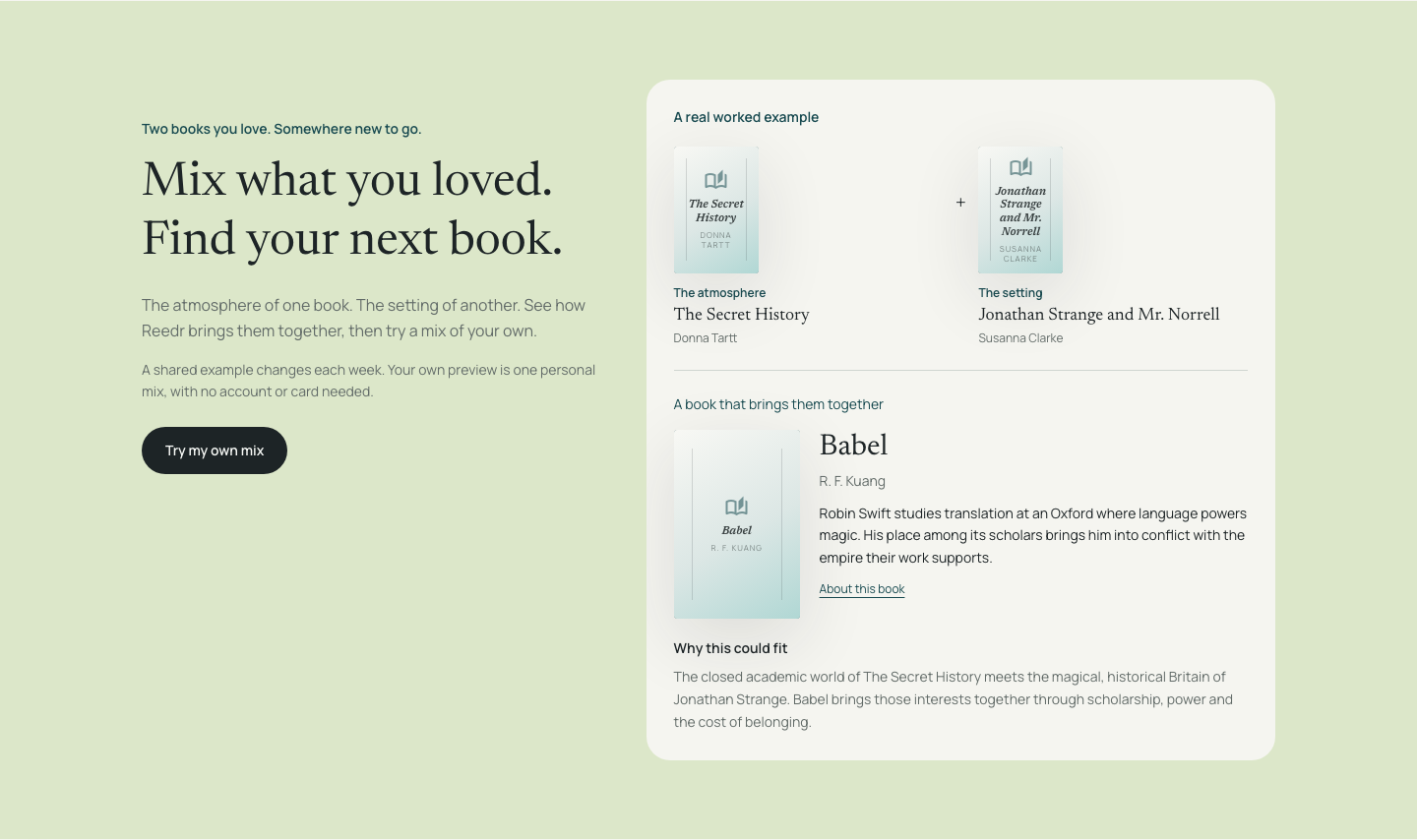
Mix qualities from two books you love, or learn how to find a book by mood. The personal mixing preview needs no account or card. A free Reedr account includes 25 discovery uses per calendar month, unlimited books, imports and private notes. Compare the current plans.
Product details reviewed on 24 September 2026 by Reedr. This comparison is written by the maker of Reedr.