Comparison and import guide · Updated September 24, 2026 · 2 min read
Reedr and StoryGraph: discovery, reading and moving your books.
StoryGraph combines reading tracking, mood and pace filters, personalised recommendations and reading statistics. Reedr also supports mood discovery, with a way to combine qualities from two favourite books and a personal shelf to keep what you find. Mood-based discovery is not exclusive to Reedr.
Choose the experience that helps you read
| What matters to you | StoryGraph | Reedr |
|---|---|---|
| Choosing a book | Mood and pace filtering, reading preferences and personalised recommendations. | Describe a mood or mix qualities from two favourite books. |
| Understanding your reading | Reading statistics and charts. | Progress, private notes and reading stats; advanced insights with Plus. |
| Trying another app | A library export is available through account management. | Review a CSV import into a chosen shelf before committing it. |
See StoryGraph's product overview for its current features. These are differences in emphasis, not a claim that one app suits every reader.
Get your StoryGraph CSV
Open Manage Account in StoryGraph and look for the library export or User Export page. Follow the instructions to obtain the file. StoryGraph confirms this route in its export guidance.
Review the import before adding books
In Reedr, open Settings, then Import. Choose one destination shelf, upload a CSV of up to 10 MB and review the matches. Confirm uncertain editions, choose an alternative, add a book manually or skip the row. Then confirm the import.
Keep your original export. The report distinguishes added, merged, skipped and failed rows. Existing values are kept when merging a duplicate; the import fills supported blank details. Importing does not delete your account at the original service.
Which details can Reedr read?
The StoryGraph parser supports titles, authors, ISBNs, reading status, quarter-star ratings, supplied reading dates and review text. It can read supported mood and tag columns when those fields exist in your export.
Not every StoryGraph field has an equivalent in Reedr. Pace, content warnings, challenge progress, charts and community activity are not recreated. Unsupported mood values may be omitted. Custom lists are not automatically rebuilt as separate shelves. Keep the original CSV and review the result, particularly books with multiple readings or unusual editions.
Try discovery before moving your library
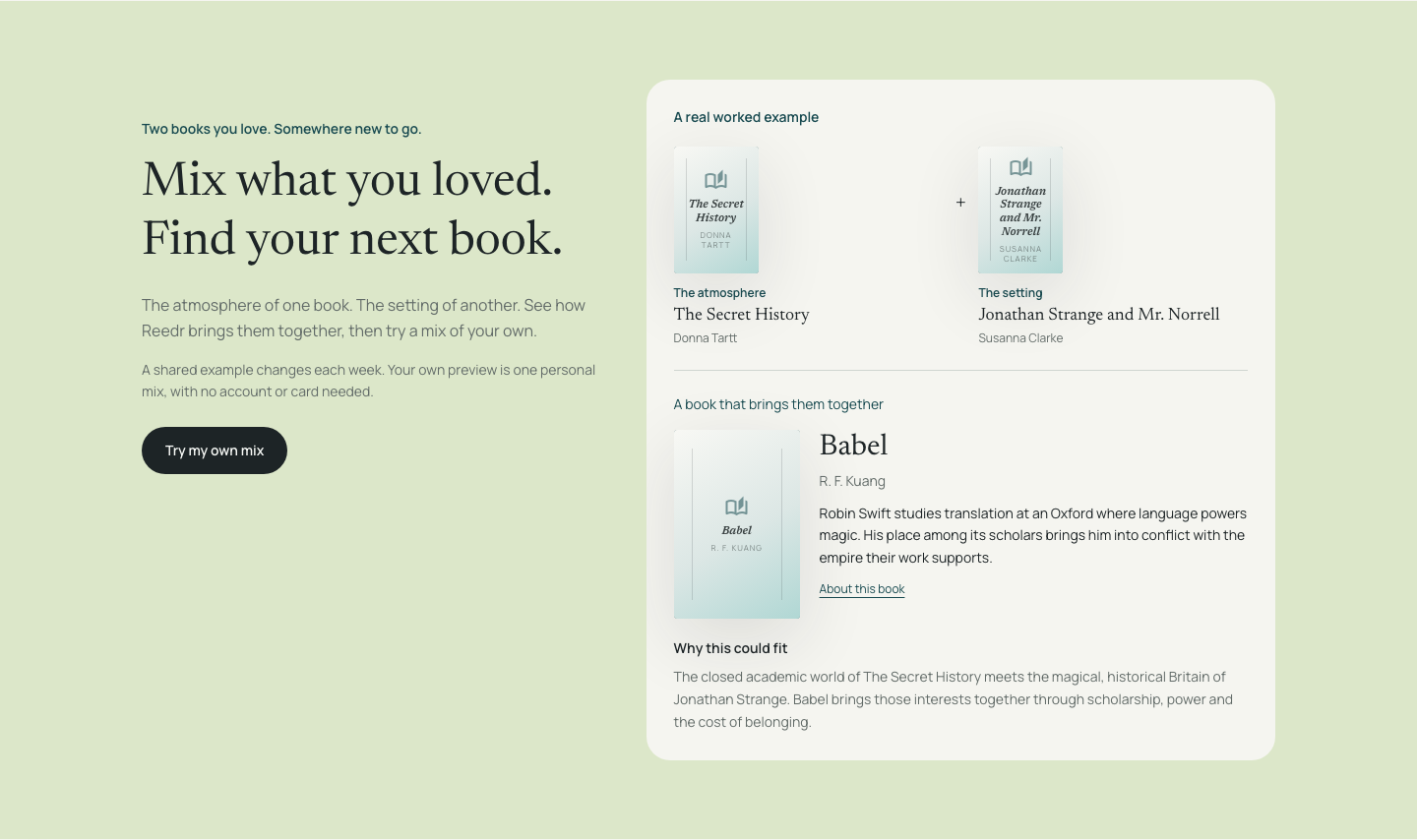
Mix qualities from two books you love, or learn how to find a book by mood. The personal mixing preview needs no account or card. A free Reedr account includes 25 discovery uses per calendar month, unlimited books, imports and private notes. Compare the current plans.
Product details reviewed on 24 September 2026 by Reedr. This comparison is written by the maker of Reedr.